Dog walking & pet-care business software
Your dog-walking business. Connected from meet and greet to payment.
Dog Walker Central connects scheduling, client and pet records, visit reports, invoicing, and payments for solo dog walkers, pet sitters, and growing teams.
No credit card required. See current Free plan limits and fees.

- Import clients and pets with the CSV wizard; guided migration for supported platforms. Migration options
- Account owners can export clients, pets, appointments, invoices, services, and team members. Security and data
- Start free with no credit card. Plan limits and fees are on Pricing. Plans and limits
Start with the Free plan. Features and team limits vary by plan; Auto-Assign and AI assistance require a paid plan. Online payments require Stripe setup and processing fees apply. Postcards have separate campaign costs.
From first hello to payment, one record
The same client and pet record follows every step. Not every provider starts with a meet and greet; if you do, it sits at the front of the same flow.
- Meet and greet. If you offer one, record the new client and pet details once.
- Schedule. Book one-off or recurring visits on a shared calendar.
- Visit. Check in and out with location, then share photos and notes.
- Invoice. Bring appointment details into invoices.
- Get paid. Clients pay through their portal once you connect Stripe.
Eight connected parts of one workspace
Plan the route, deliver the visit, and get paid, with the same client, pet, and visit records connecting every step.
Route planning, solo or team
One-click route planning. Customize it your way.
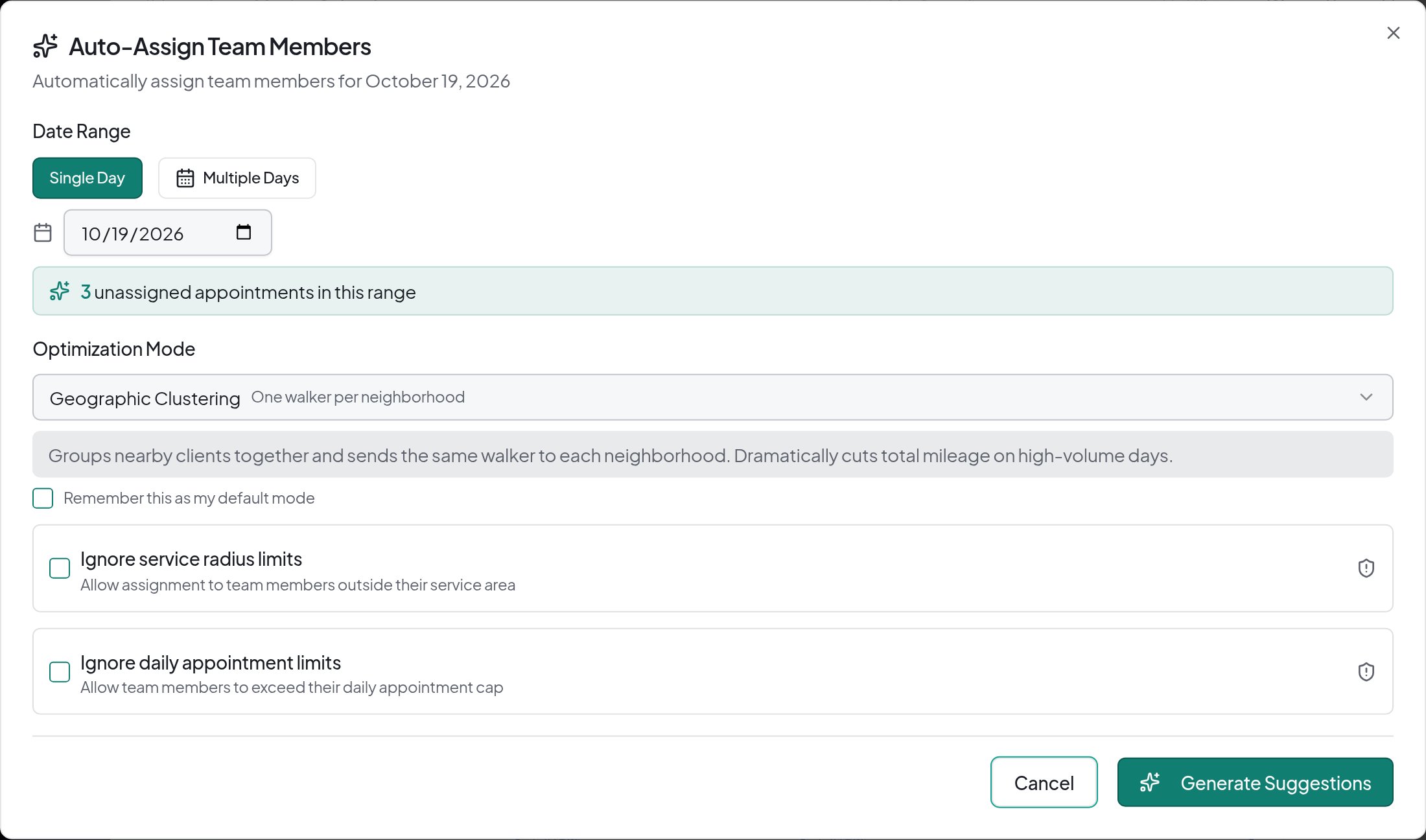
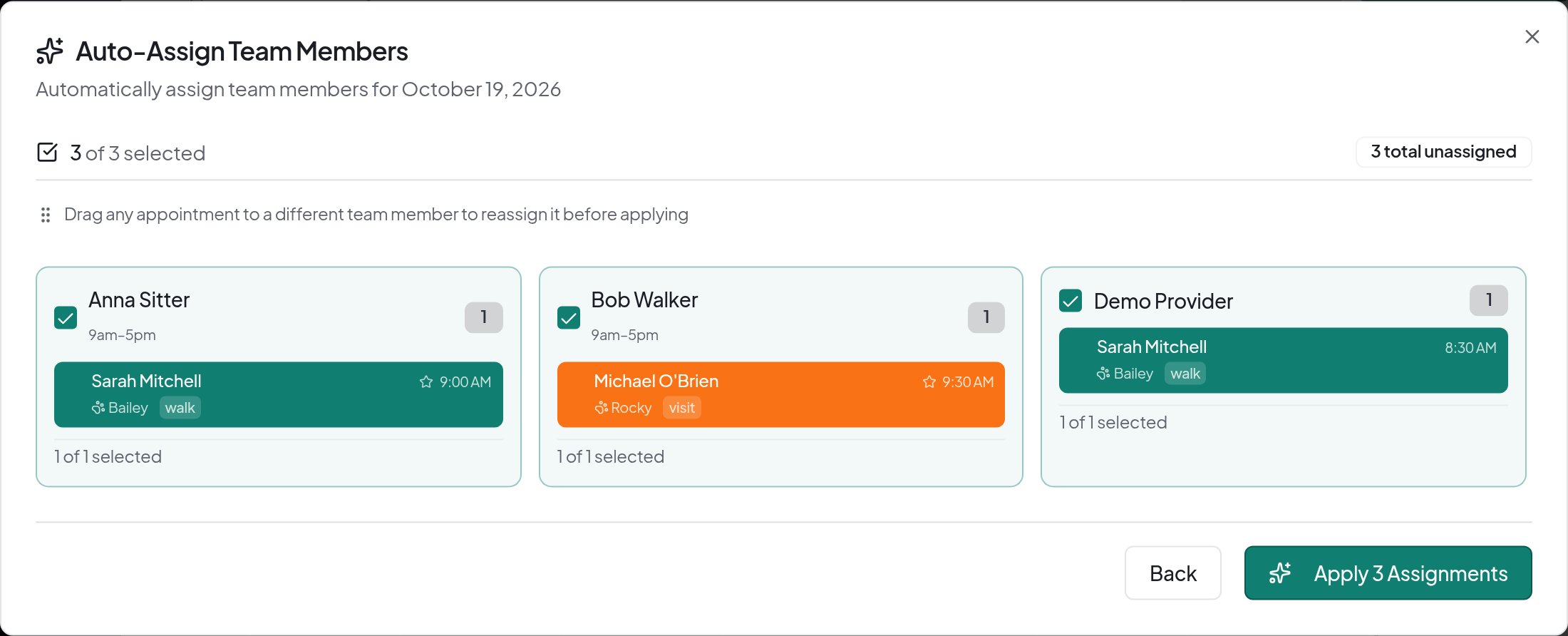
Optimize the drive between your own visits, or generate team assignments and routes. Nothing changes until you approve it.
Controls you set
- Pick a team priority: balanced, shortest distance, familiarity first, or geographic clustering.
- Availability, visit windows, and service constraints guide suggestions.
- Generate for a day or date range, adjust, then apply only what you approve.
Auto-Assign is a paid team feature. Route estimates need usable location data; generating a plan does not apply it.
Command Center
Your whole team's day in one view.
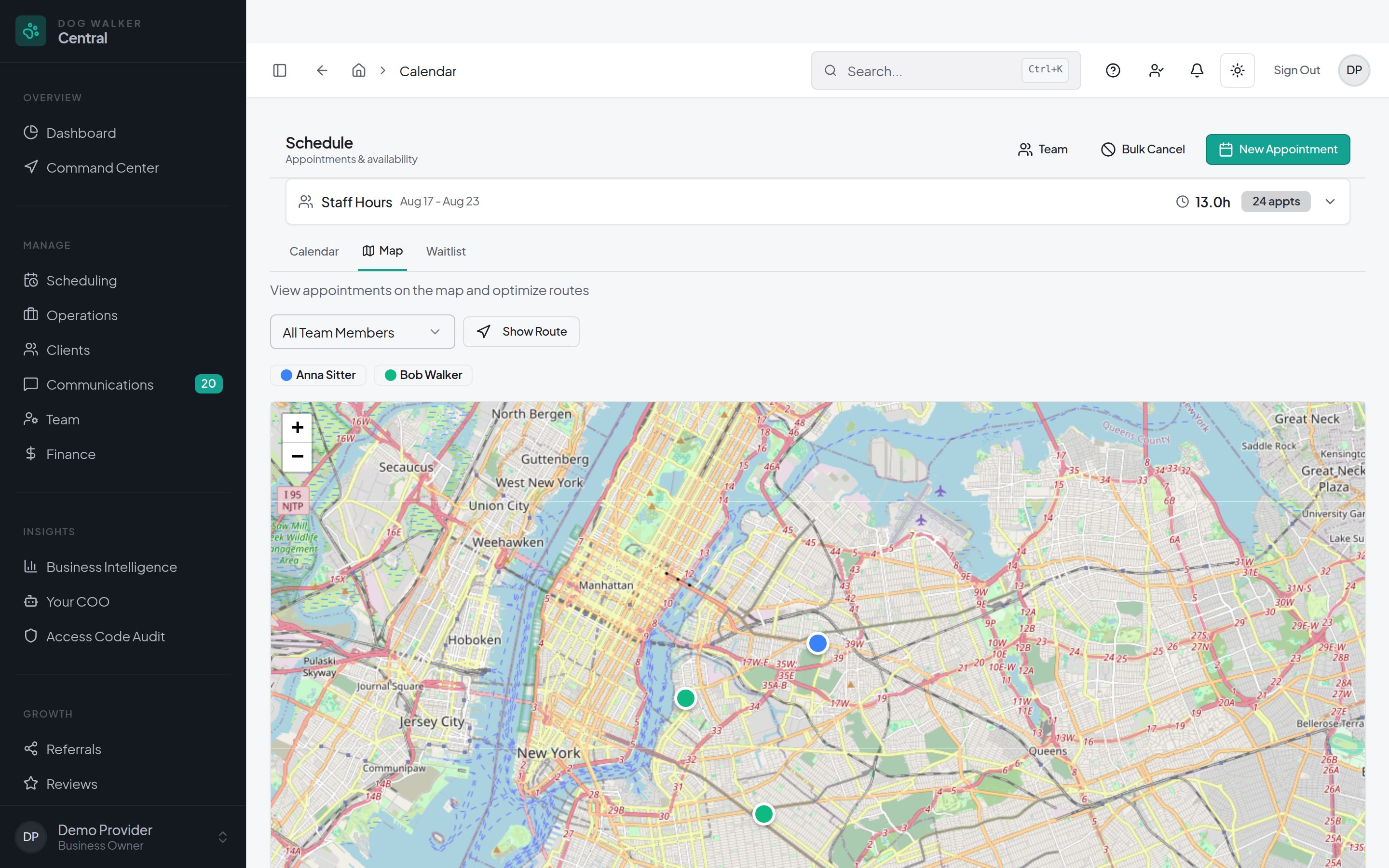
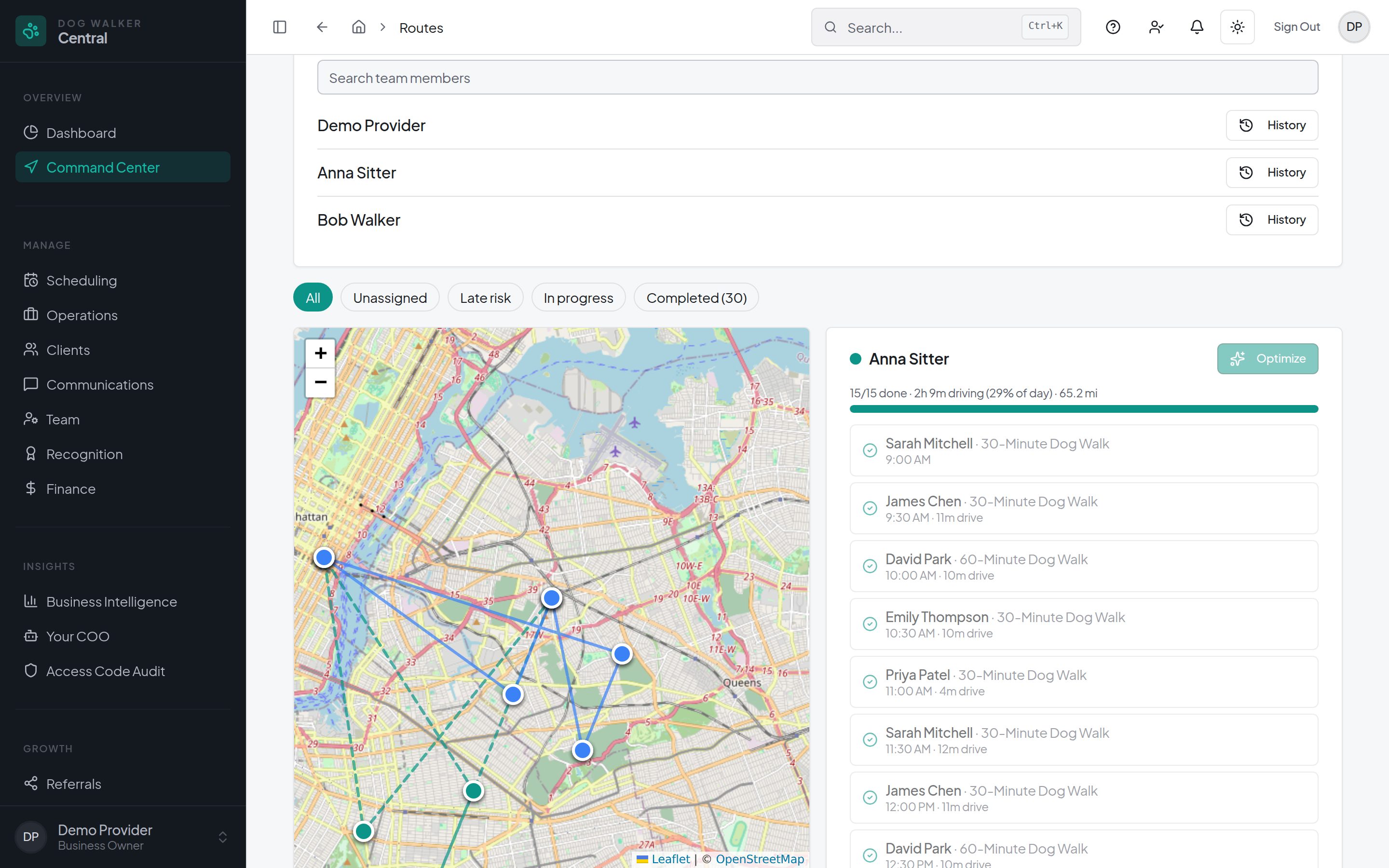
Walker routes, visit progress, drive times, and unassigned work together, so you see where the day needs attention.
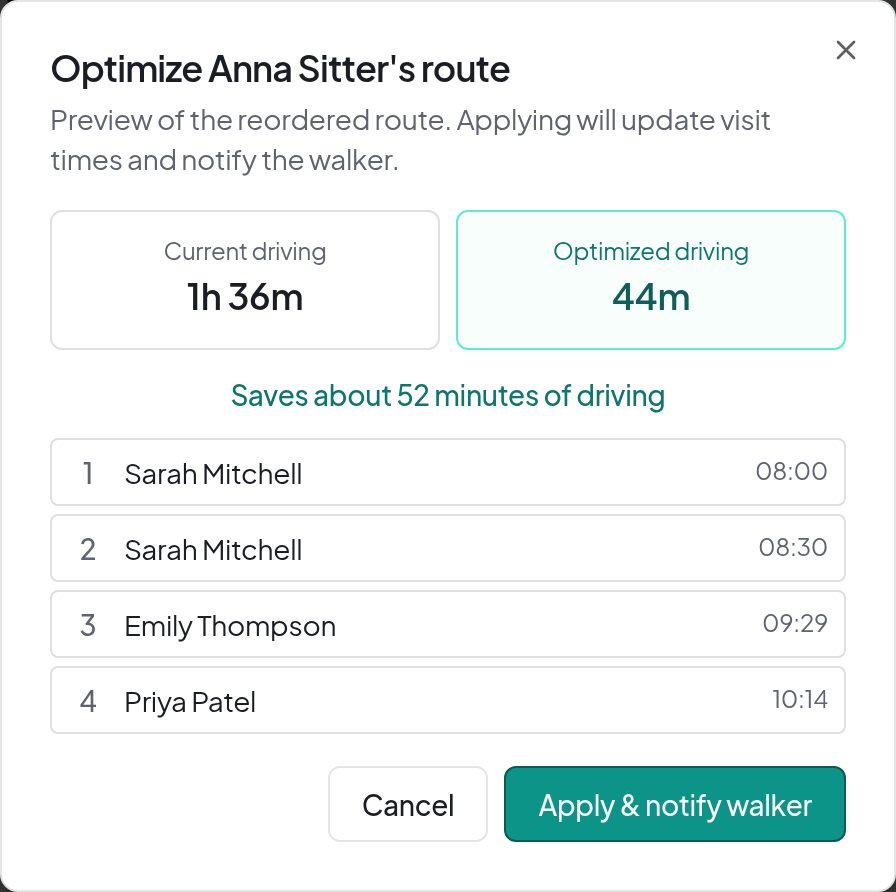
Preview before you apply
- Each walker's planned stops on a shared map.
- Upcoming, in-progress, completed, and late-risk visits.
- Preview an optimized route, then apply approved changes and notify the walker.
Applying an optimized route updates visit times after you review the proposed changes.
Scheduling & bookings
Manage recurring visits and online booking requests in a shared calendar.
Clients & pets
Keep contact details, care instructions, and pet profiles connected to the work.

GPS & visit reports
Record check-ins and check-outs with location, then share photos and visit notes.

Team coordination
Assign visits, review availability, and manage access with role-based permissions.

Invoicing
Bring appointment details into invoices and review what is owed.

Online payments
Connect Stripe so clients can pay invoices through their portal. Processing fees apply.
Built-in client relationship management
Automate follow-up with the data you already have.
Clients, pets, visit history, and lifecycle activity already live in DWC, so everyday follow-up needs no separate CRM.
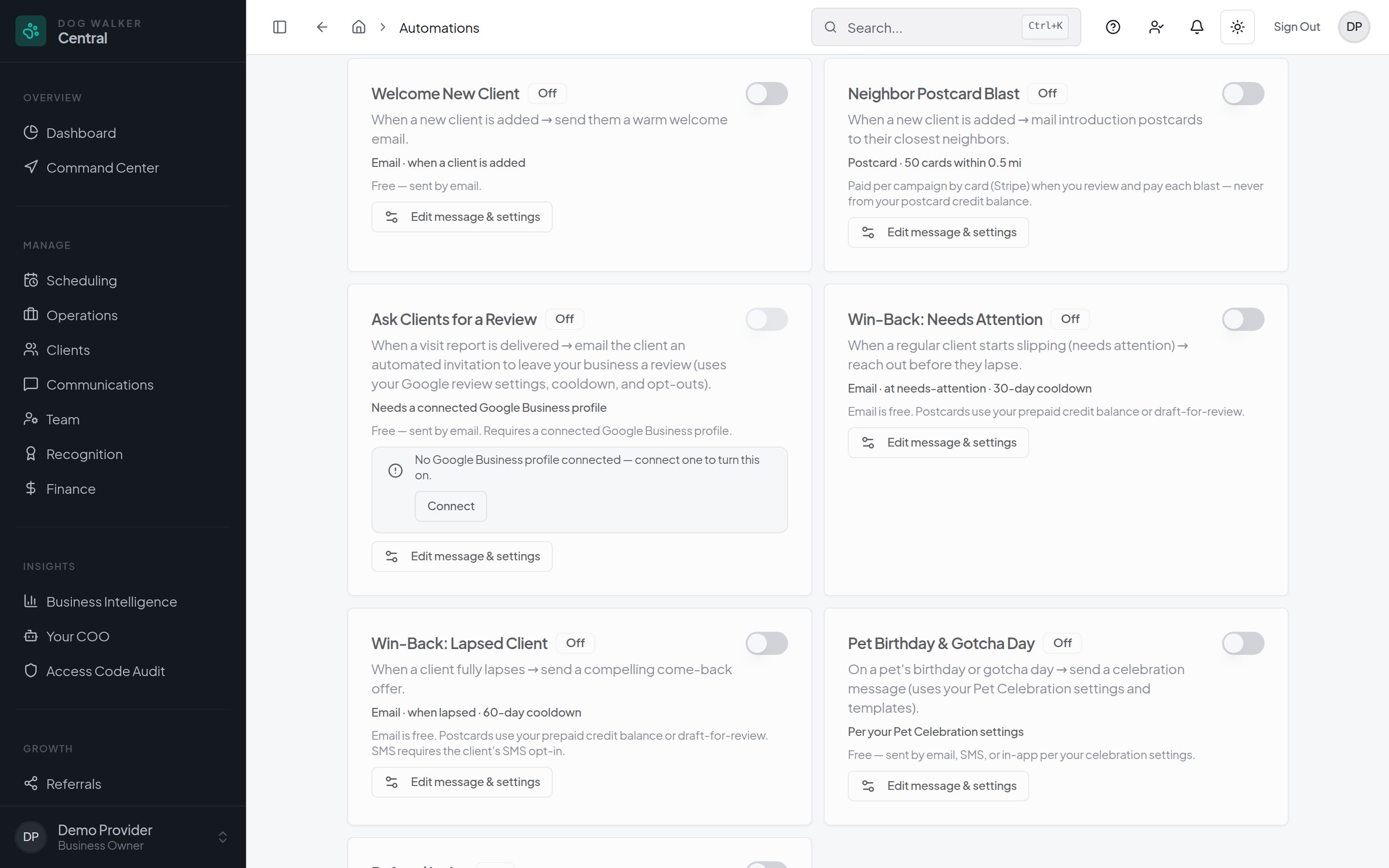
- Welcome new clients with a message when they join.
- Reconnect when a client's lifecycle stage needs attention or becomes lapsed.
- Request Google reviews after visit reports, with a connected Google Business profile.
- Celebrate pet birthdays and gotcha days with automated messages.
Choose what runs: library automations are off by default. Review messages and settings before enabling. Availability depends on your plan and setup; consent and opt-outs apply, and postcards have separate costs.
Less admin around the schedule
Less repeat admin
Recurring appointments, configurable reminders, and invoice workflows. Choose the automations that fit.
See the business
Revenue and client trends in reporting. A paid plan adds an AI assistant; review its answers before acting.
Find your next client
Public profile, booking page, referrals, and direct-mail campaigns. Campaign costs are separate; results vary.
Whatever stage your business is at
Starting solo
Set up your services, organize your first clients, and give pet owners a booking link.
Building a team
Bring new walkers into the same schedule with assigned visits, care notes, and permissions.
Managing a growing operation
Manage branches across multiple cities under one account. Switch between locations or view all branches, and assign team members access to the branches they work in alongside role-based permissions.
Evaluate it on your own terms
Evaluate before you commit
Start free without a credit card. Client Communication Test Mode pauses automated and bulk messages to clients you have not enabled as testers while you set up. Consent and opt-outs still apply.
Review plans & limitsBring your existing records
Use the CSV import wizard for clients and pets. Guided migration is available through Switch & Save for supported platforms.
Explore migration optionsKeep control of your data
Account owners can export account details, clients, pets, appointments, invoices, services, and team members from Security settings.
Explore security & privacy